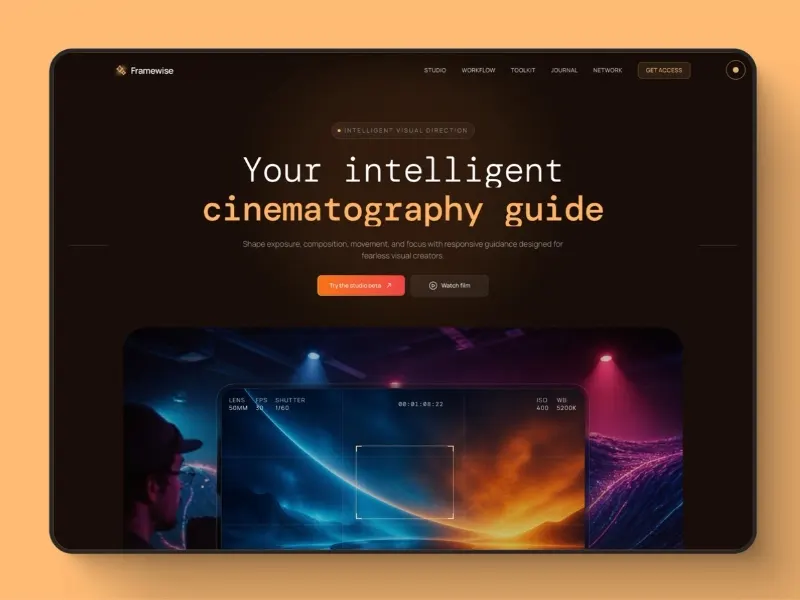
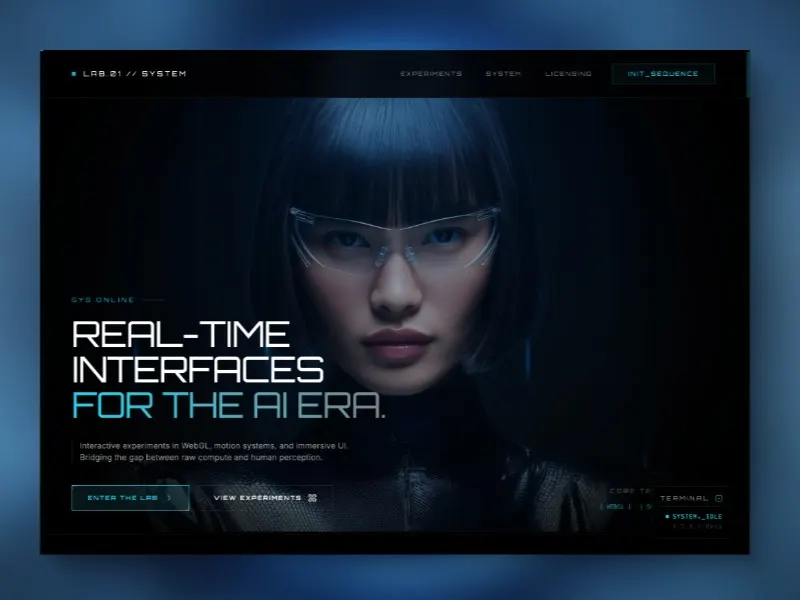
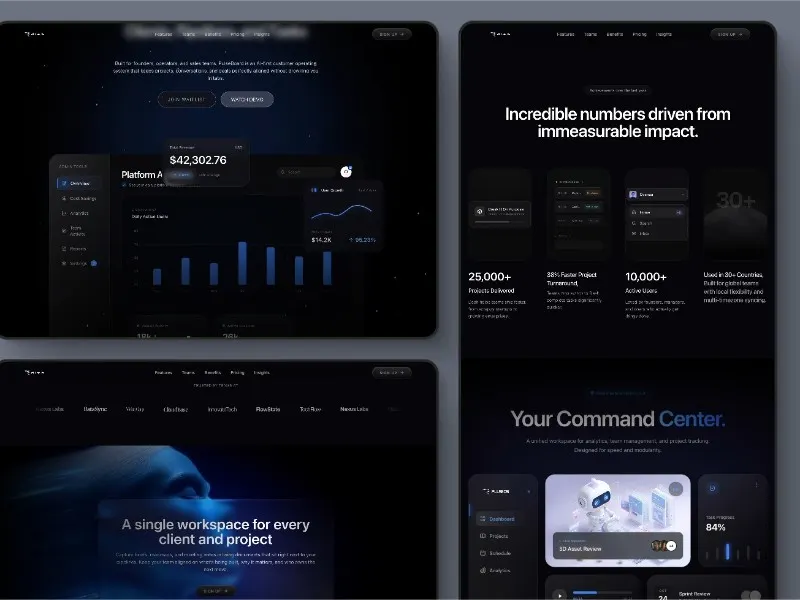
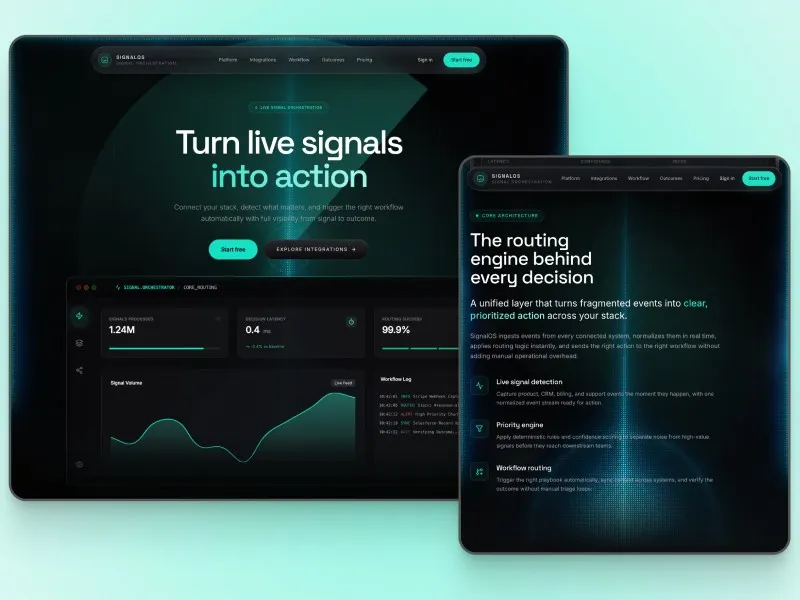
Zero-Trust — Password Manager Landing Page HTML Template
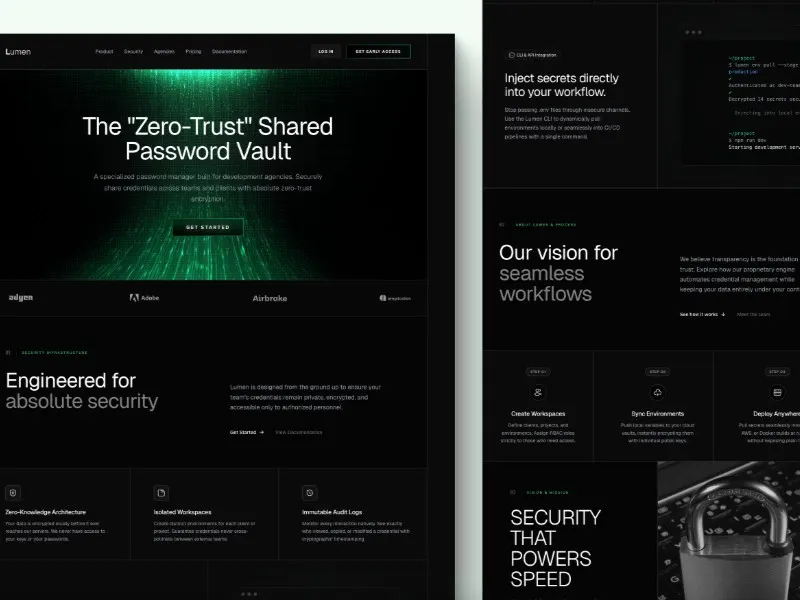
An HTML landing-page template for a password-management product, with feature, workflow, pricing and FAQ sections. Download the frontend source and paired prompt; security claims and customer quotes are demo content to replace.
- Technology
- html
- Paired prompt
- Available under the item and plan access rules
When to use this design
For security products: explain supported platforms and recovery options. Use documented security practices and avoid unsupported assurance claims.
Best suited to
A security software landing page template for explaining a password manager through features, a user workflow, pricing and questions. The download supplies the marketing frontend, not password storage, encryption or account security.
Make it your own
Describe supported platforms, recovery and security practices only when you can document them. Replace demonstration quotes and prices, and connect your own signup or demo route; review every claim before publishing.
Included files
The source ZIP contains the HTML page, its paired prompt and the supplied usage notice:
index.htmlPROMPT.mdINTERNAL-USE.txt
Run and customize
Extract the ZIP and serve its folder with a local static web server, such as VS Code Live Server. Open index.html; no npm build is needed. Edit the HTML, styles and scripts, or use PROMPT.md with your coding tool.
Source dependencies
Tailwind CSS (CDN), Iconify, Google Fonts
External styles, scripts, fonts and media need network access. Before publishing, review external services and tracking scripts, replace demo content and connect your own forms or backend where needed.
Read INTERNAL-USE.txt and the applicable third-party asset terms before using the files. A download does not itself grant unrestricted commercial use or redistribution. Terms of Service
Do plans include source downloads?Browse templates and try interactive previews without signing in. Paired prompts, original project source and downloads follow your account and plan access rules.
Template titles, descriptions and preview content retain their original language.
Read the design prompt workflow