SaaS Landing Page HTML Templates & Prompts
Choose a SaaS landing page by what a buyer needs to understand: the product result, a connected workflow or a trust-sensitive decision. Compare the selected designs, then adapt the brief to documented product facts.
Selected designs

Which design fits your brief?
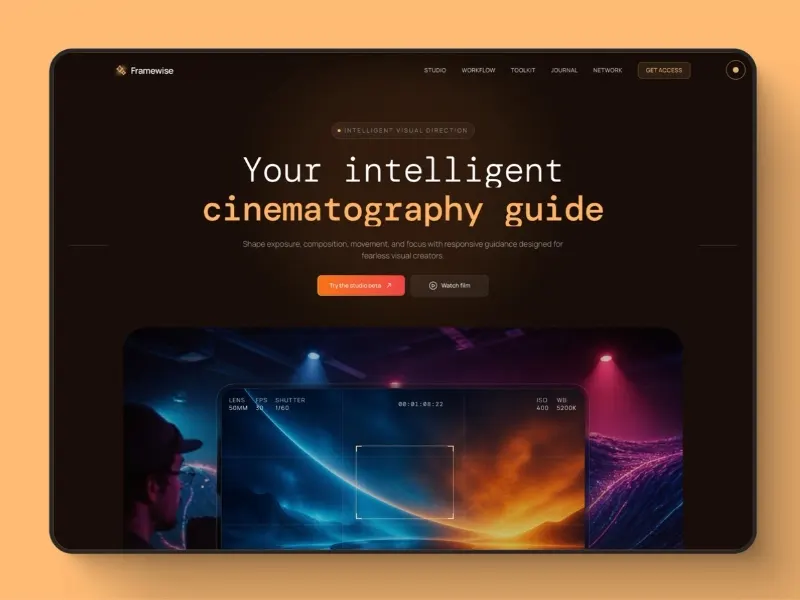
- Framewise AI Cinematography Landing Page
- Consider this direction for an AI filmmaking or visual creation tool. Bring your own output examples and explain what a user can control; a striking result should support a clear product explanation.
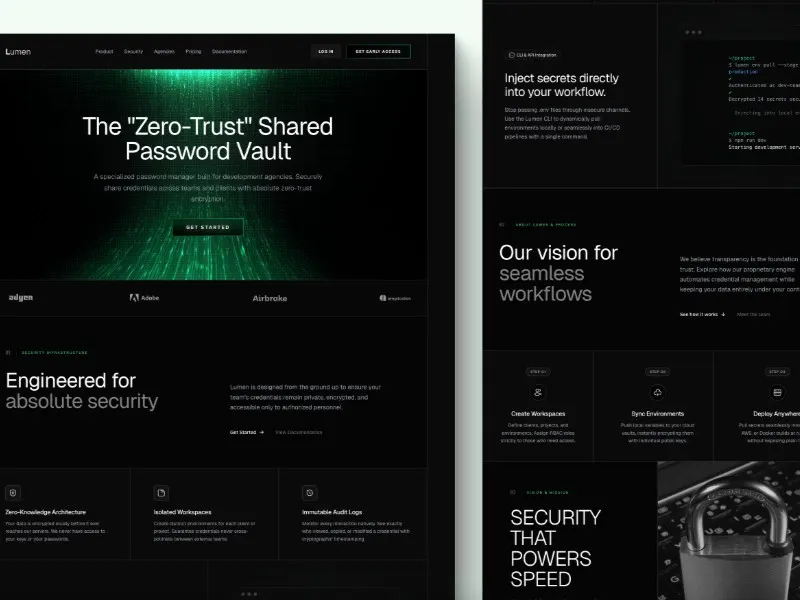
- Zero-Trust Password Manager Landing Page
- A starting point for security or password-management software. Make the evaluation criteria explicit in your brief: supported platforms, recovery options and verifiable security practices. Replace all demonstration claims with documented facts.
- WebGL AI SaaS Landing Page
- Consider this for an AI product that benefits from a more expressive visual introduction. Keep the core offer understandable without the visual effect, and ask your agent to preserve a readable mobile and reduced-motion alternative.
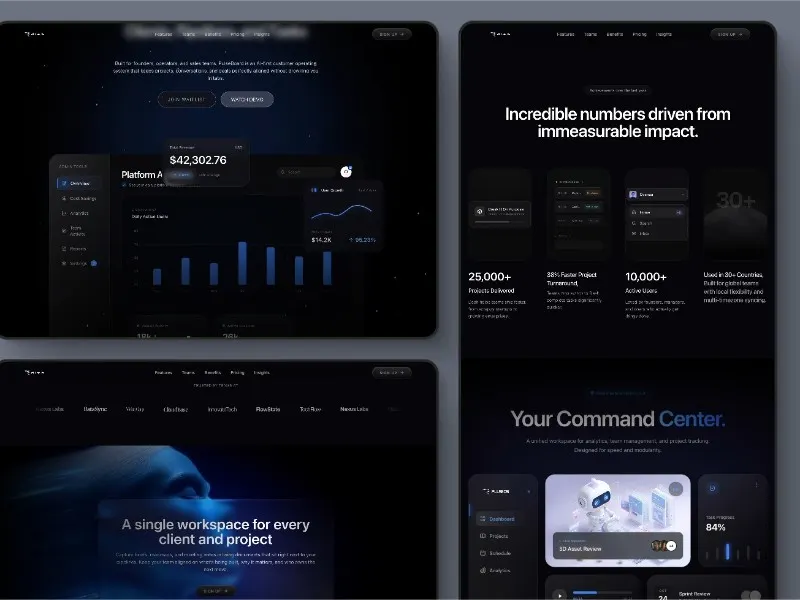
- AI CRM SaaS Landing Page
- The CRM example combines a product dashboard with sections about tasks, collaboration and team workflows. Use it when buyers need to understand several connected capabilities. Narrow the brief to your real workflow and replace the sample revenue and usage numbers.
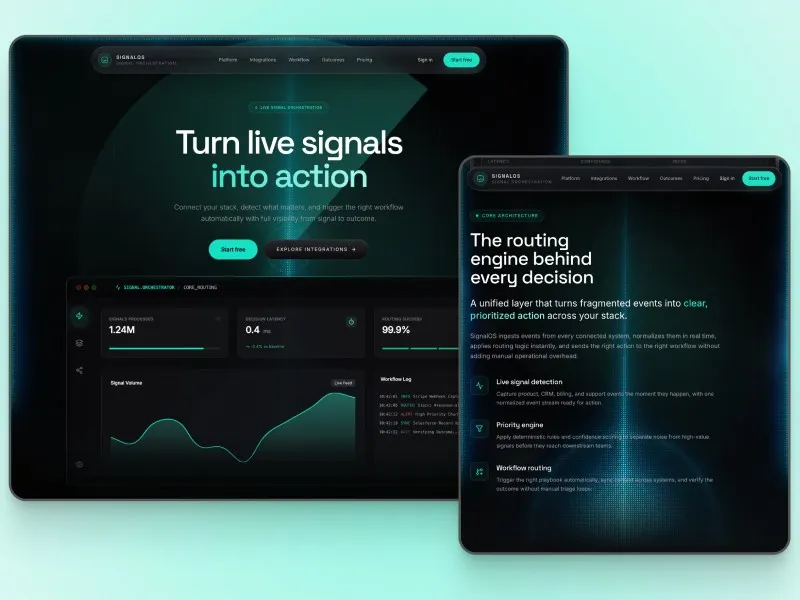
- Automation Workflow SaaS
- SignalOS follows an event-to-action story with a routing console, integrations and workflow explanations. It suits automation products whose value is hard to communicate with a feature list alone. Supply one real trigger, decision and outcome for your agent to illustrate.
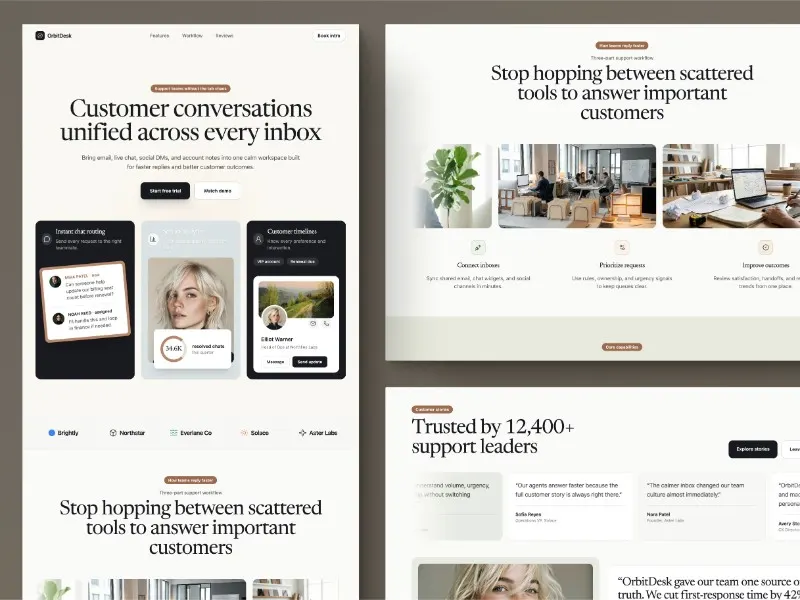
- OrbitDesk SaaS Customer Support Landing Page
- OrbitDesk explains a shared inbox through conversation cards, routing and a three-part support workflow. Consider it for a service product aimed at everyday team use. Map the examples to channels and handoffs your product actually supports.
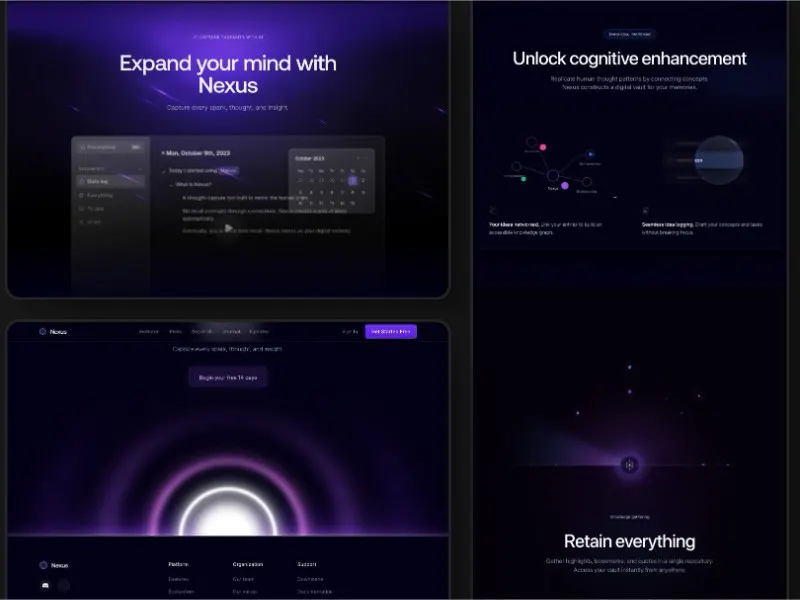
- AI-Powered SaaS Note-Taking Landing Page
- The note-taking example leads with an editor and connected ideas, then develops the capture-and-retrieval story. It is a useful direction for a personal productivity app. Give the agent a realistic sample note and a concrete search or organisation task.
These designs are currently unavailable. Browse the library. Explore library
Interactive previews are public. Source ZIPs and available paired prompts require sign-in and the applicable prompt pack or membership.
Start from source or a design brief
Compare SaaS landing page HTML templates by what you need to explain: Framewise for an AI product, Zero-Trust for password management, or the note-taking example for a productivity tool. Detail pages show the source files and dependencies. These are frontend starting points; your own service must provide signup, data storage and other backend behavior.
Choose by the job your page must do
An original adaptation brief
This fictional brief is written by Neruve, separate from any paid prompt. Its English text is retained for reproducibility.
Fieldnote is a fictional shared research-notes workspace for small product teams.
Create a calm cream-and-ink landing page. Explain collect → compare → decide.
Show a realistic sample research note, then a three-step workflow.
The primary link is “Explore the workflow” and targets #workflow.
Do not invent logos, testimonials, user counts, security guarantees, pricing,
forms or a working signup flow.
Use semantic HTML, one clear h1, readable contrast and visible keyboard focus.
Support a 390 px mobile view without horizontal overflow and reduced motion.
What to check in the result
Check a 390 px mobile view and a desktop view. Confirm one clear page heading, readable text, working links, visible keyboard focus and no horizontal overflow. Replace all demonstration claims with verified facts.
From a reference to your own website
- Preview the design without signing in; check the available source files and paired prompt before choosing a plan.
- Keep the original prompt intact. Add a separate brief with your audience, real content, brand and required behavior.
- Review the generated result on desktop and mobile; check links, keyboard use, claims and reduced motion before publishing.
A reference is a starting point. Output varies by model, tool and version; files and access remain subject to the item and plan.